LifetimeFSD for iPhone
Used Teslas, with the FSD evidence up front.
An independent iPhone app for used-Tesla shoppers. It gathers listings from US dealer websites and shows the evidence for each car’s Full Self-Driving, Autopilot, hardware and upgrades.
- Used Teslas
- 3,000+
- US dealers
- 500+
- Inventory updates
- Hourly
01How it works
From listing to evidence
LifetimeFSD reads used-Tesla listings from US dealer websites, then sorts out what each one actually shows about FSD. Every car links back to the dealer’s own page.
-
01Search
Spot the Teslas that come with FSD
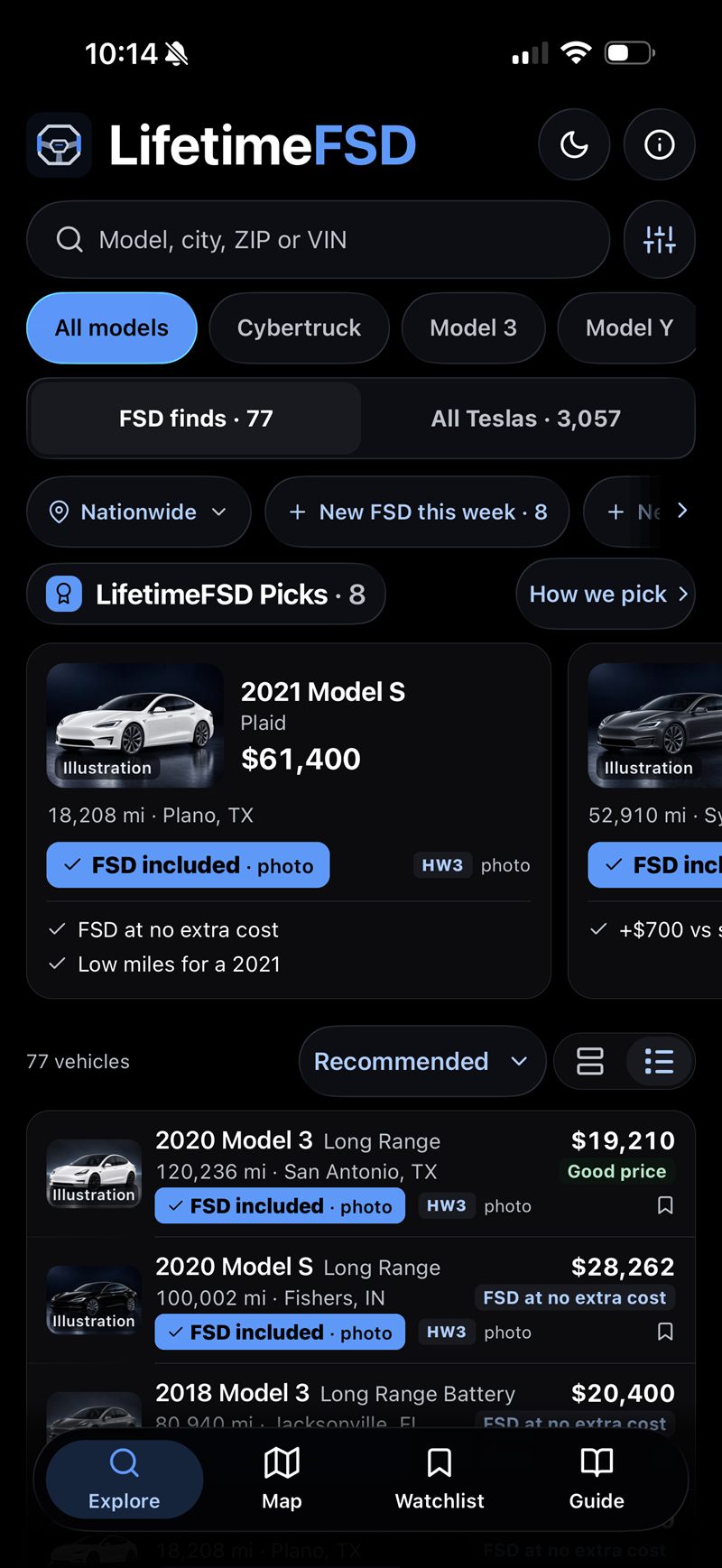
Search 3,000+ used Teslas by model, city, ZIP or VIN. Cars with FSD evidence get their own list: FSD finds.
-
02Map
Every Tesla, mapped
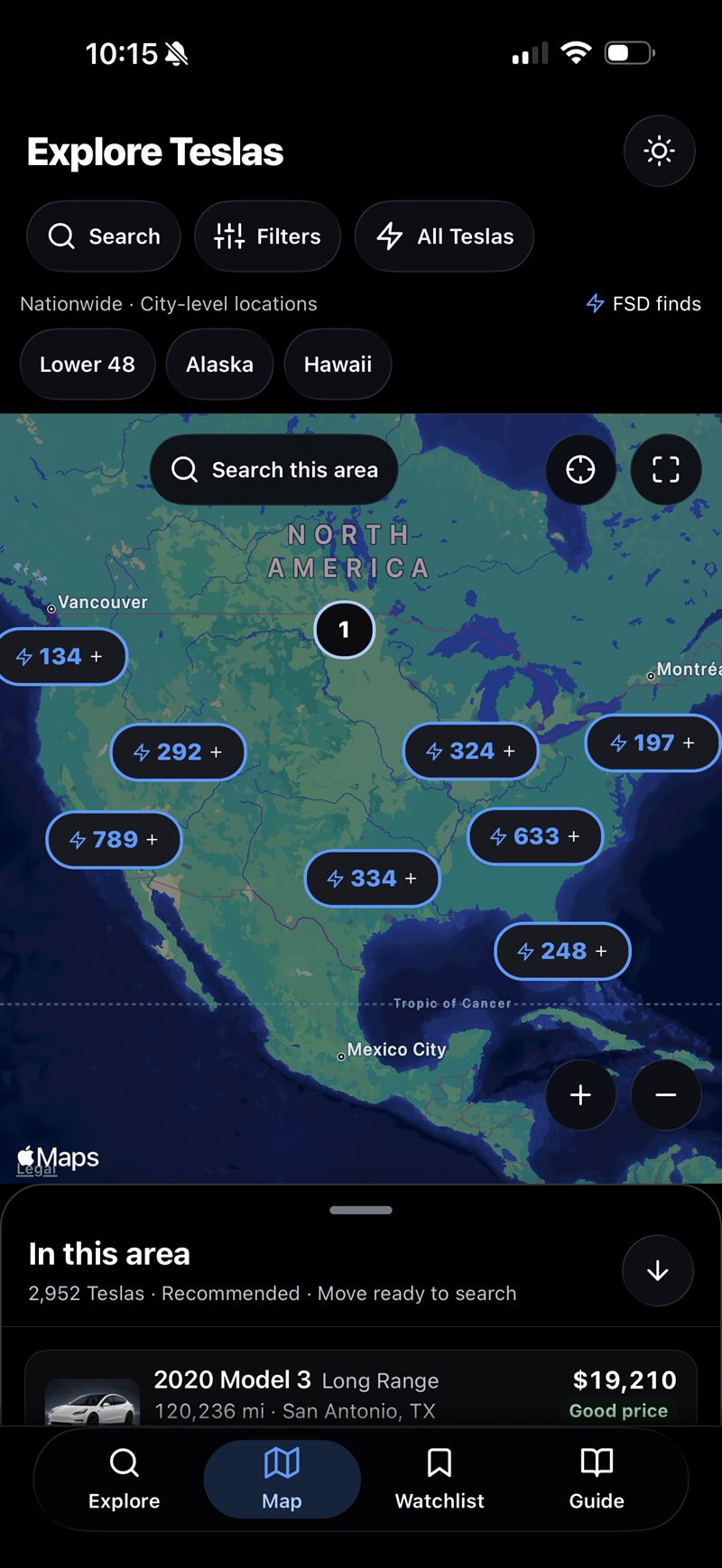
Cars are grouped by city on Apple Maps, with FSD finds marked. Zoom into your area and tap a city to see its cars.
-
03Inspect
See the evidence
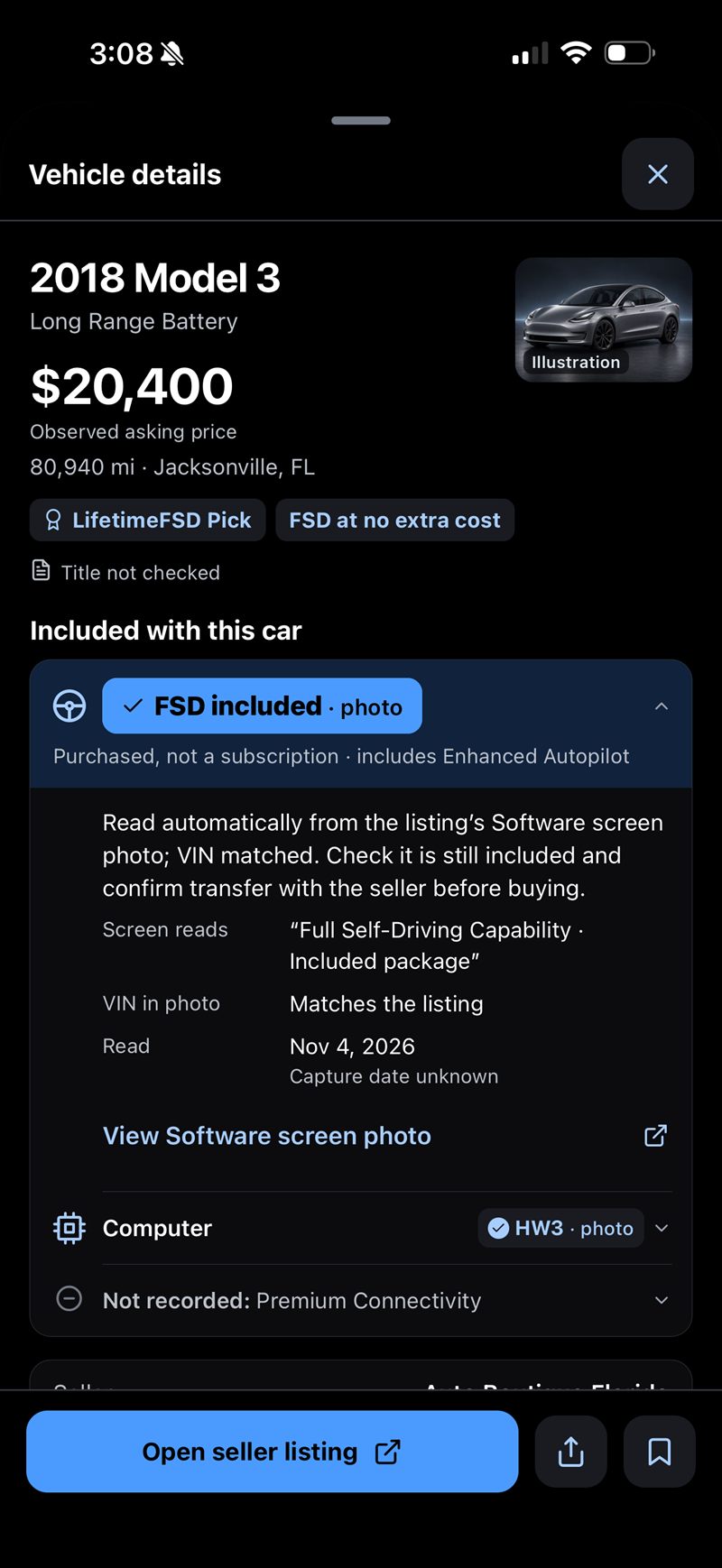
Software-screen photos, the seller’s own words, and what to ask before you buy.
-
04Watch
Save cars and watch prices
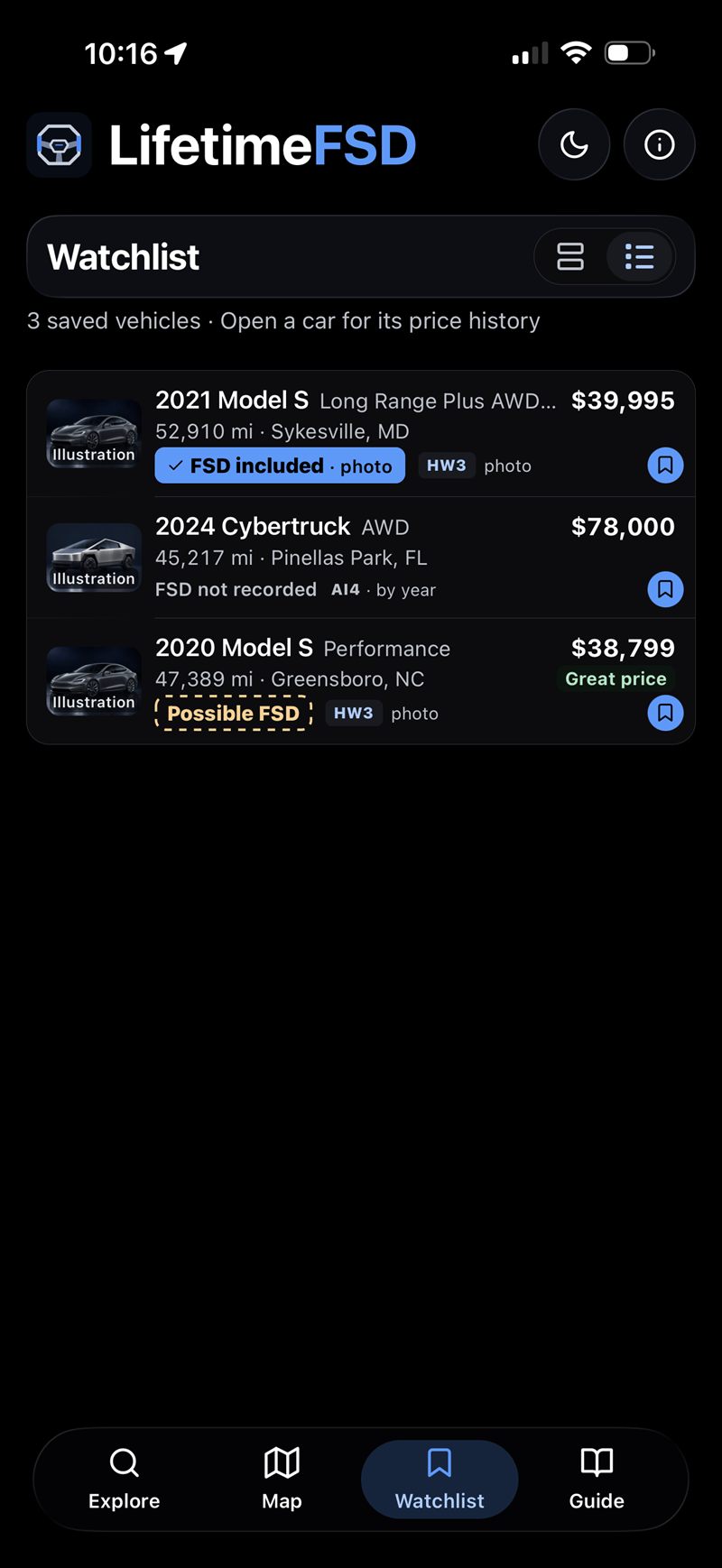
Your watchlist stays on your iPhone, and each saved car keeps its asking-price history.
02Evidence labels
What the labels mean
Each car is labeled from what its listing actually shows. Hardware, model year or trim alone never count as FSD.
- FSD included · photo
- Photo evidence. A VIN-matched Software-screen photo shows Full Self-Driving as an included package.
- FSD included · seller
- Seller claim. The dealer’s own wording says FSD is included. Ask the seller for a current Software-screen photo.
- Possible FSD
- Not established. An automated read of a listing photo suggests FSD, but it is not established. Treat it as a lead, not an answer.
Every listing links to the dealer’s own page. Check features, FSD transfer, price and availability with the seller before you buy.

FSD, found.
Shopping for a used Tesla? Start with the evidence.